
Many content marketers treat headings purely as a design tool—a convenient way to make text bigger, bolder, or more colorful. But to search engine crawlers and screen readers, heading tags (H1 through H6) form the architectural blueprint of your webpage.
When you use an H3 just to get a specific font size without a preceding H2, you break the document outline. Browsers get confused, screen readers skip context, and Google’s Natural Language Processing (NLP) models struggle to understand how your subtopics relate to your main entity.
Proper heading structure sits at the intersection of technical crawlability and user experience. This guide covers the exact frameworks required to structure your content so it ranks higher, reads better, and captures featured snippets.
Key Takeaways
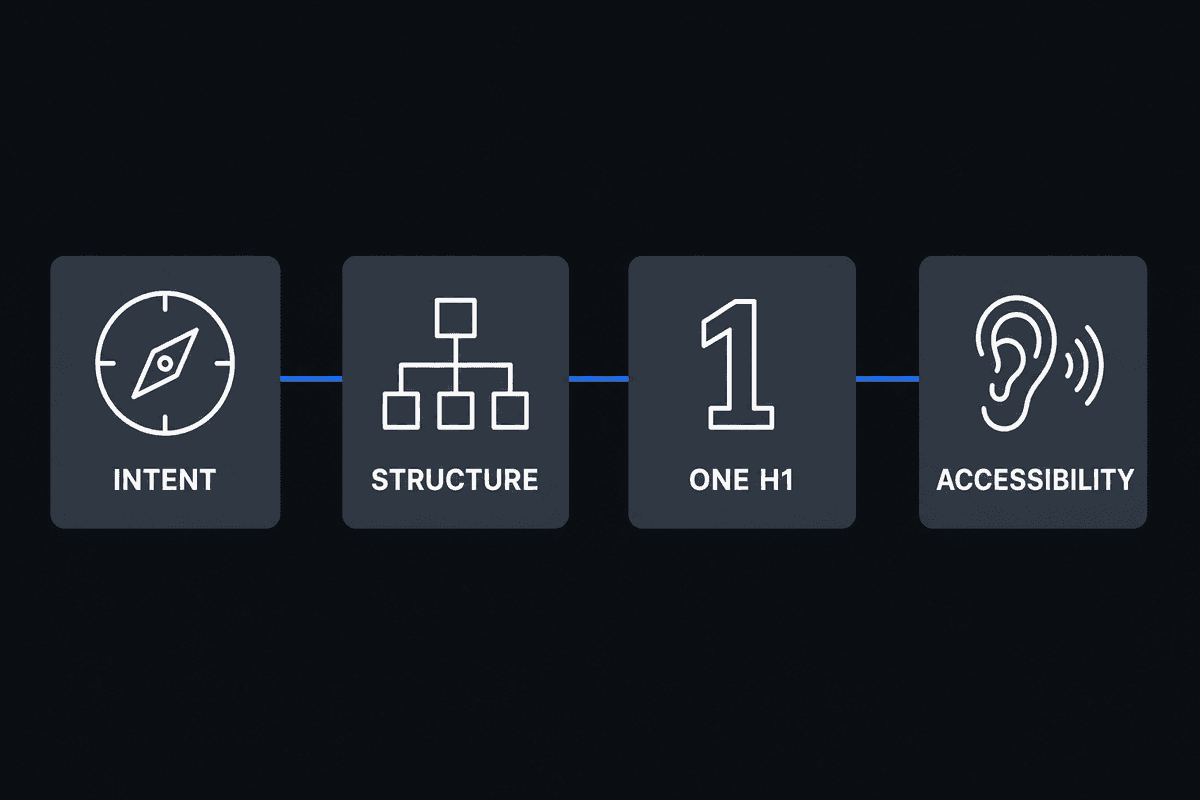
- Intent matters: Headings serve a dual purpose—they give search engines a semantic map of your page and give users a way to skim for answers.
- Strict hierarchy: Never skip heading levels. An H3 must always nest under an H2.
- The H1 rule: While modern HTML5 technically allows multiple H1s, best practice remains strictly one H1 per page, matching user intent.
- Accessibility: Proper heading structure is legally and practically required for visually impaired users navigating via screen readers.
- Snippet optimization: Formatting H2s and H3s as direct questions or list items increases your chances of capturing Google's Featured Snippets.
Table of Contents
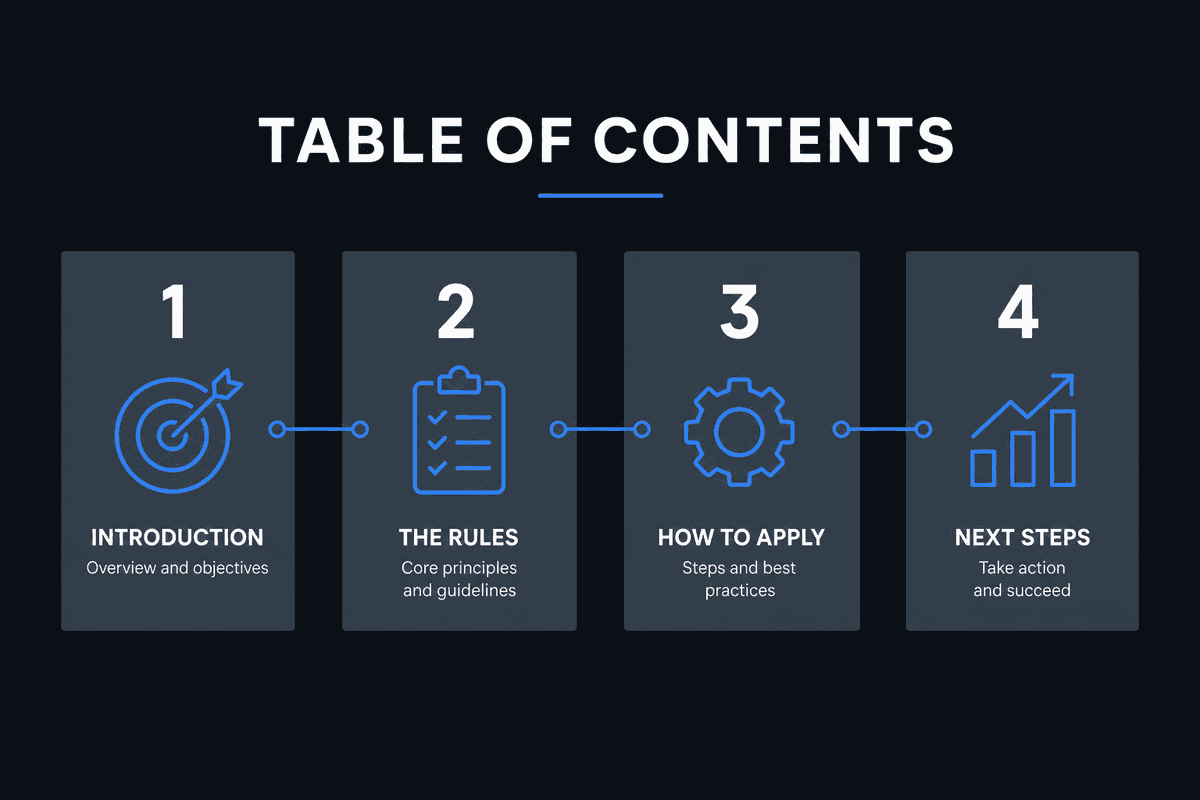
- What Are Headings and Do They Actually Help SEO?
- Rule 1: Master the H1 Tag (The Document Title)
- Rule 2: Follow a Strict Logical Hierarchy
- Rule 3: Optimize for Semantic Keywords
- Rule 4: Design for Accessibility and Voice Search
- Rule 5: Write Skimmable, Snippet-Ready Subheadings
- Headings SEO Implementation Checklist
- Common Mistakes to Avoid
What Are Headings and Do They Actually Help SEO?
HTML headings are standardized tags ranging from <h1> (the most important) down to <h6> (the least important). They organize content into a predictable, machine-readable outline.
But do headings directly help SEO?
Yes. While a single optimized H2 will not magically vault a low-quality page to position one, search engines use headings to establish topical relevance. According to SEO Headings: Do Header Tags Matter Anymore?, header tags remain one of the most reliable ways to signal context to search engines.
When Google crawls a page, it breaks the text into semantic chunks based on the headings. If your H2 says "Automated Content Workflows," Google assumes all the paragraph text beneath it until the next H2 relates to that concept.
The Dual Purpose: Crawlability vs. Skimmability
Optimizing headings requires balancing two different audiences:
- Search Engine Crawlers: Bots need clear, descriptive tags to understand the page's core entity and sub-entities.
- Human Readers: Most users do not read articles word-for-word. They scan. If your headings clearly signpost the information, bounce rates drop and time-on-page increases. As detailed in Why Do Headings Matter for SEO and Readability?, breaking up walls of text with logical subheadings drastically improves user retention.
Rule 1: Master the H1 Tag (The Document Title)
The H1 is the most critical heading on your page. It acts as the headline of your document. If you get the H1 wrong, you immediately misalign user expectations and search engine understanding.
What is the difference between an H1 and a Title Tag?
This is a frequent point of confusion.
- The Title Tag (
<title>): This exists in the<head>of your HTML document. It does not appear visibly on the webpage itself. It shows up as the clickable blue link in Google search results and in the user's browser tab. - The H1 Tag (
<h1>): This exists in the<body>of your HTML document. It is the large, visible title readers see after they click through to your page.
Ideally, your Title Tag and H1 should be highly similar but not necessarily identical. The Title Tag must be optimized for click-through rate (CTR) and character limits (50-60 characters). The H1 can be slightly longer and more conversational, but it must clearly deliver on the promise made by the Title Tag.
How many H1 headings should you use?
The debate over H1 quantity is heavily discussed in SEO circles. Can you have more than one?
Technically, yes. Google's John Mueller has publicly stated that multiple H1 tags will not trigger a penalty, and HTML5 specifications technically permit an H1 inside every new <section> or <article> element.
However, the definitive best practice remains one H1 per page.
Using a single H1 provides a clear, unambiguous focal point for both search engines and users. If your page has multiple H1s, it usually indicates that the page lacks a singular focus and should perhaps be split into multiple URLs. For a deep dive into the official standards, review the Headings and titles documentation from Google Developers, which emphasizes clear, singular document structure.
Rule 2: Follow a Strict Logical Hierarchy (No Skipping)
The most common technical SEO error involving headings is skipping levels for visual styling.
Developers and content creators often use an H4 directly below an H2 simply because they want the text to look smaller. This breaks the Document Object Model (DOM) outline.
The "Nested Outline" Framework
Think of your webpage like a traditional academic outline or a book index.
- H1: The Title of the Book.
- H2: The Chapters.
- H3: The Sections within a Chapter.
- H4: Specific Sub-topics within a Section.
You would never write "Chapter 1", follow it immediately with "Section 1.1.1", and skip "Section 1.1". Search engines view your HTML the exact same way. If you skip from H2 to H4, you create a "broken" semantic map.
For complex builds, especially when mapping out a How to Build an SEO Landing Page (7-Step Guide), maintaining this strict hierarchy is non-negotiable. Web developers should decouple CSS styling from HTML semantics. If you need text to look like an H4 but it semantically belongs as an H3, apply a CSS class (class="text-sm font-bold") to an <h3> tag.
This principle is heavily emphasized in modern web design; for instance, the Heading Structure methodology by Finsweet dictates strict chronological nesting for clean code.
Example: Good Hierarchy vs. Bad Hierarchy
Rule 3: Optimize for Semantic Keywords (Not Stuffing)
Ten years ago, SEO advice dictated forcing your exact-match target keyword into every H2. Today, this practice looks spammy to users and triggers over-optimization flags in search algorithms.
Instead of repetition, use your headings to prove topical depth through semantic variations and LSI (Latent Semantic Indexing) keywords.
Moving Beyond Exact-Match
If you are writing a guide on "Email Marketing Automation," your headings should not look like this:
- H2: Benefits of Email Marketing Automation
- H2: Tools for Email Marketing Automation
- H2: Future of Email Marketing Automation
Instead, rely on Google's understanding of entities. Build headings that answer the logical next questions a user has about the topic:
- H2: Core Benefits of Trigger-Based Campaigns
- H2: Comparing Top ESP Platforms (Mailchimp vs. Klaviyo)
- H2: Setting Up Your First Welcome Sequence
Notice how the second list never repeats the exact target phrase, yet it is much richer in context. Google understands that "Trigger-Based Campaigns," "ESP Platforms," and "Welcome Sequence" are all highly relevant sub-entities of "Email Marketing Automation."
To see how various platforms map out heading-level entities, you can reference guides on H1-H6 headings, which detail how secondary tags group related semantic concepts.
Rule 4: Design for Accessibility and Voice Search
Most content marketers completely ignore accessibility. They view headings strictly through the lens of ranking.
However, properly structured HTML is vital for users with visual impairments who rely on screen readers (like JAWS or NVDA).
Screen Readers and W3C/WCAG Guidelines
When a screen reader loads a page, the user rarely listens to the text from top to bottom. Instead, they pull up a "Rotor" or headings menu. The screen reader lists out all the H1-H6 tags, allowing the user to jump directly to the section they care about.
If your headings are vague (e.g., "Read More", "Step 1", "Important"), the visually impaired user has zero context. If your headings skip levels, the screen reader's navigation tree breaks.
Accessibility is an indirect ranking factor. Google tracks user experience metrics. If a segment of your audience immediately bounces because your page is inaccessible, your overall site metrics suffer. How to use headings on your site provides excellent context on how Yoast tools specifically flag heading structures that violate accessibility standards.
Voice Search and "Speakable" Snippets
Voice search devices (Alexa, Google Assistant, Siri) rely heavily on heading structure to parse answers. When a user asks their device a question, the assistant looks for an H2 or H3 that closely matches the query, and then reads the paragraph immediately below it.
To optimize for this:
- Format H2s and H3s as natural language questions (e.g., "How long does SEO take?").
- Provide a concise, declarative answer in the first sentence directly beneath the heading.
Rule 5: Write Skimmable, Snippet-Ready Subheadings
Headings dictate the user's scroll velocity. When users arrive on a 3,000-word post, they scroll rapidly, looking for the specific H2 that solves their immediate problem.
Formatting for Featured Snippets
Google frequently generates "List" Featured Snippets by pulling all the H2 or H3 subheadings from a single post.
If you want to capture a list snippet for a query like "best ways to speed up WordPress," your page must contain a parent heading introducing the list, followed by parallel-structured subheadings.
Example of Snippet-Ready Structure:
<h2>7 Ways to Speed Up WordPress</h2><h3>1. Implement a CDN</h3><h3>2. Minify CSS and JavaScript</h3><h3>3. Compress Image Files</h3><h3>4. Utilize Server-Level Caching</h3>
Because the <h3> tags are parallel and numbered, Google's extraction algorithms can easily pull them out to form a list snippet on the SERP.
Length and Clarity Constraints
Keep your headings concise. If an H2 is longer than 60-70 characters, it becomes difficult to skim. Do not use complex punctuation or multiple sentences in a heading.
If you need to provide more context, use a short H2 and immediately follow it with a bolded introductory sentence in the body text.
Headings SEO Implementation Checklist
Before publishing your next article or deploying a new page template, run through this practical checklist to ensure your structure is flawless:
- Check 1: Singular Focus. Does the page have exactly one H1 tag?
- Check 2: Intent Match. Does the H1 clearly define the overarching topic and match the user's search intent?
- Check 3: Sequential Nesting. Are there any skipped heading levels? (e.g., jumping from H2 to H4).
- Check 4: Descriptive Clarity. If a user only read the headings, would they understand the entire article?
- Check 5: Question Targeting. Are common FAQ-style queries formatted as H2 or H3 tags?
- Check 6: Semantic Variation. Are you using LSI and related entities in subheadings instead of repeating the main keyword?
- Check 7: Accessibility. Is the structure predictable enough for a screen reader to navigate natively?
Common Headings SEO Mistakes to Avoid
Even seasoned SEO professionals occasionally make structural errors, particularly when navigating complex Content Management Systems (CMS) or custom JavaScript frameworks.
Navigational and Footer Headings
A frequent technical issue occurs when developers wrap sidebar titles or footer links in heading tags. For example, using an <h2> for a sidebar widget titled "Recent Posts" or an <h3> for "Newsletter Signup" in the footer.
This dilutes the semantic relevance of the page. Headings should be reserved strictly for the main content body. Non-contextual UI elements should be styled with CSS classes on standard <div> or <p> tags.
Headings in Single Page Applications (SPAs)
If you are operating a React, Vue, or Angular application, heading management becomes significantly more complex. Because the page does not reload when a user navigates, the DOM must dynamically update the H1 and subsequent headings via JavaScript.
Failure to properly manage this state results in search engines crawling a generic index page shell. For detailed strategies on managing dynamic DOM updates, review Single-Page Application SEO: What Works in 2026?.
Empty Heading Tags
Visual editors sometimes leave empty HTML tags (e.g., <h2> </h2>) when content is deleted but the formatting block remains. Crawlers process these empty tags, which creates a broken semantic tree. Regularly run a site crawler like Screaming Frog to identify and purge empty heading nodes.
Automating On-Page Structure
Manually auditing every header tag, ensuring perfect hierarchy, and balancing keyword semantics across hundreds of articles is incredibly time-consuming. In competitive niches, the structural integrity of your content cannot be left to chance or manual error.
For SaaS founders and content marketers looking to scale organic traffic without the overhead of massive editorial teams, automation bridges the gap. By leveraging automated pipelines, you can bypass the traditional agency models detailed in SEO Charges UK: Agency Rates vs Automation (2026) and focus directly on output.
BeVisible automatically handles the entire production pipeline. It structures articles using perfectly nested HTML5, crafts snippet-ready H2s and H3s based on real-time SERP data, integrates semantic NLP keywords without stuffing, and publishes answer-first content daily. By aligning your content architecture with exact search intent and accessibility standards, you build a durable foundation for long-term organic growth.