
Designers love the sleek, continuous scroll of a single-page website. SEO professionals typically recoil at the sight of them.
The tension comes down to a fundamental rule of search mechanics: Google ranks individual pages for specific search intents, not entire websites. When your entire web presence is crammed onto a single URL, your targeting options shrink dramatically. You cannot optimize one URL to rank for ten highly competitive, distinct keywords.
But does that mean a single-page site is doomed to fail in organic search?
Not at all. You absolutely can rank one-page sites, provided you treat that single URL as a tightly focused, hierarchical map. The secret lies in mimicking traditional site architecture within a single document, ensuring search engines can parse your content sections just as easily as they would parse separate pages.
Here is the exact framework to optimize a single-page website, overcome keyword dilution, and track performance without traditional pageviews.
What is a Single-Page Website?
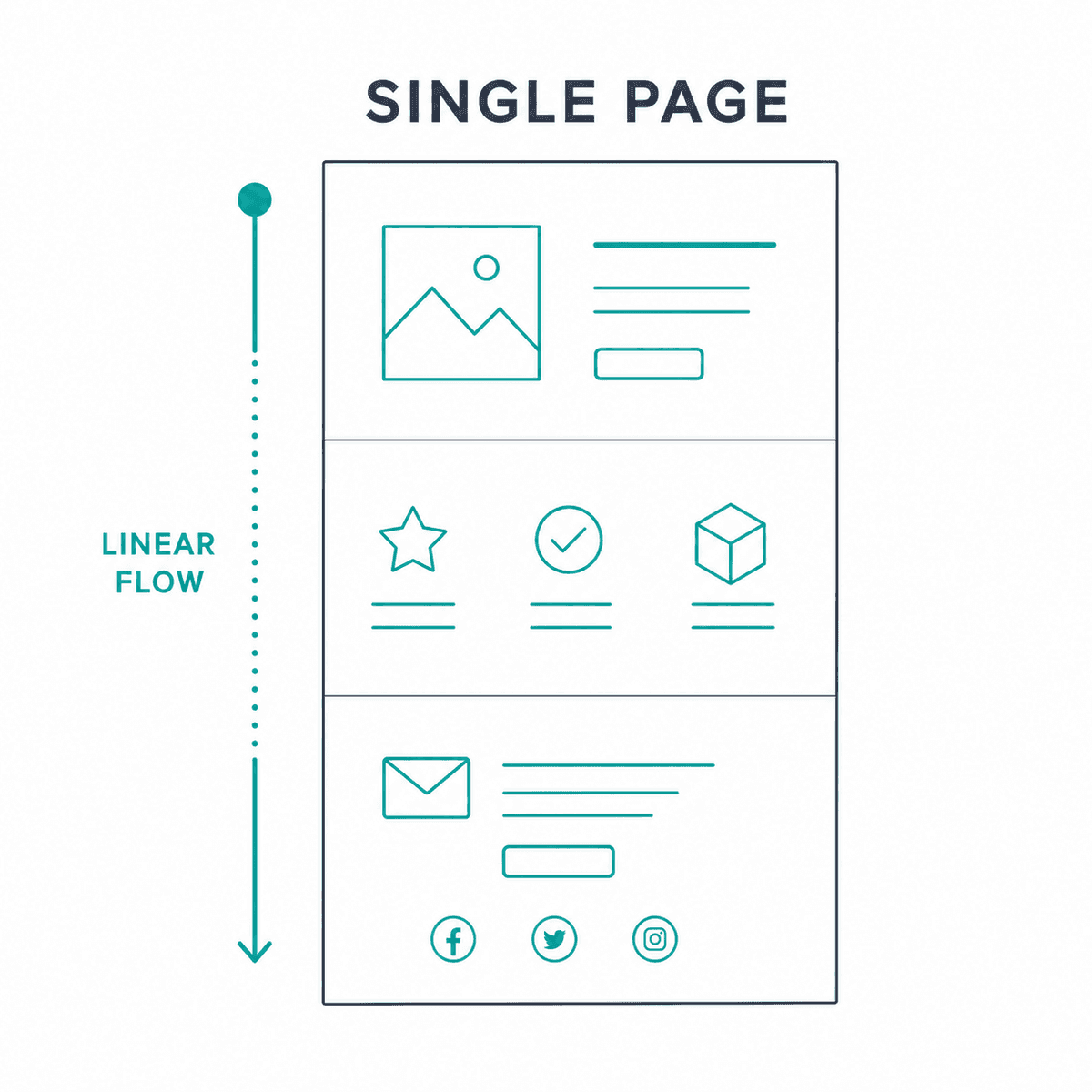
Before diving into optimization, we need to clarify the format. A single-page website (or one-pager) is a site where all content lives on one central HTML document. Instead of clicking a navigation link and waiting for a new page to load, users click a link that scrolls them smoothly down to a specific section of the same page.
(Note: This is a design architecture, distinct from a Single Page Application (SPA) built on JavaScript frameworks like React or Vue, though they often overlap. If you are dealing with a JavaScript-heavy SPA, you face additional rendering hurdles. See our guide on Single-Page Application SEO: What Works in 2026? for technical rendering setups).
Are Single-Page Websites Good for SEO?
It depends entirely on your business model. If you run a large e-commerce store or a publishing house, a single page is a structural disaster. If you are launching a hyper-niche SaaS tool, a personal portfolio, or an event landing page, it can be an incredibly efficient starting point.
Here is a realistic look at the tradeoffs:
How to Perform SEO for a One-Page Website
To rank a one-page site, you must implement the "Section-as-Page" framework. Because you lack separate URLs, you must use HTML elements and CSS IDs to create a logical hierarchy that search crawlers can easily digest.
Divide and Optimize Content by Section
Treat every major horizontal section of your page as if it were an independent page on a traditional website. Group related topics into distinct blocks (e.g., Features, Pricing, About Us, Contact).
As Ahrefs notes in their essential guide, a clear hierarchy is non-negotiable. If your content bleeds together without clear semantic boundaries, search engines will struggle to determine what the page is actually about.
Add Multiple Headings (But Use a Clear Hierarchy)
Heading tags are your most powerful on-page SEO lever when you only have one URL.
- H1 Tag: You should only have one H1 tag on the entire page. This should be placed at the very top, in your hero section, and target your absolute most important "Hero" keyword.
- H2 Tags: Treat your H2s as the "page titles" for your sections. If you have a section on integrations, the H2 should be "Software Integrations" (or a keyword-optimized variant).
- H3 Tags: Use H3s to break down the features within those specific sections.
Get Backlinks and Set Up Anchor Links
Your navigation menu should consist of anchor links that jump to specific sections of your page. You create these using CSS IDs.
For example, your "Pricing" section should be wrapped in an HTML container with an ID: <section id="pricing">.
Your navigation link then becomes: <a href="#pricing">Pricing</a>.
Search engines recognize these anchor links. Often, if a one-page site is well-optimized, Google will display these anchor links directly in the search results as site links, allowing users to jump straight to the relevant section directly from the SERP.
Overcoming the Keyword Dilution Trap
The most common mistake founders make with single-page websites is attempting to rank for too many disparate search terms.
If your SaaS tool handles CRM, email automation, and social media scheduling, you cannot optimize a single page to rank for "best CRM software," "email automation tool," and "social media scheduler." The semantic signals will dilute, and Google will deem your page irrelevant for all three.
Instead, you must identify a broader, encompassing Hero Keyword (e.g., "all-in-one marketing platform") and use your section headers (H2s) to target semantic variations and long-tail modifiers. You have to accept that a one-page site acts as a sniper rifle, not a shotgun.
The Technical SEO Checklist for Single-Page Sites
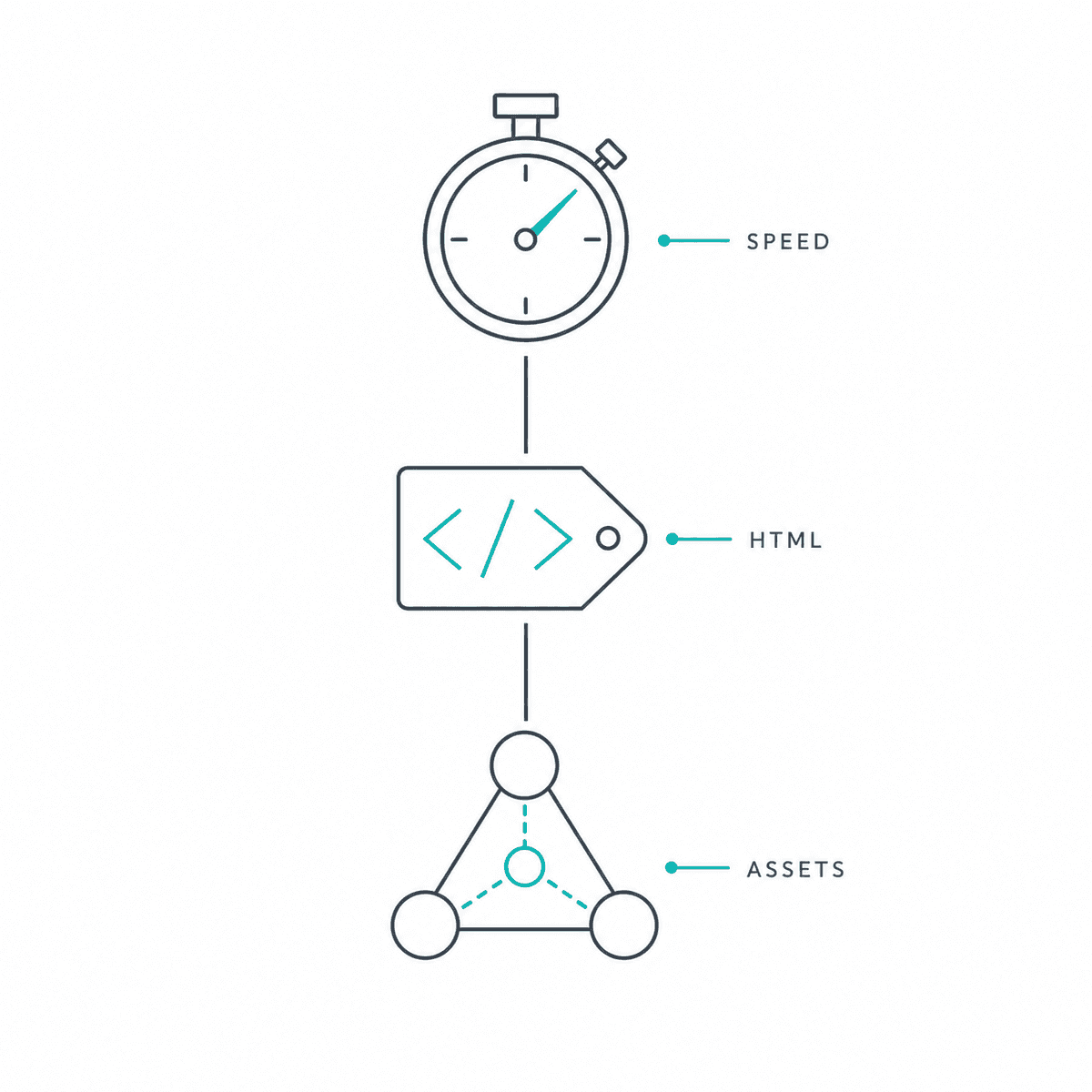
Because all your assets are loaded onto one document, performance issues compound quickly. A slow site will inevitably throttle your organic visibility. According to the Google Search SEO Starter Guide, technical performance and semantic HTML are critical baselines.
1. Enhance Page-Speed Performance
Single-page sites are notoriously heavy. If you load twenty high-resolution images, three background videos, and a complex pricing table all at once, your Largest Contentful Paint (LCP) score will plummet.
- Lazy Loading: Implement lazy loading for everything "below the fold." When a user first lands on the site, their browser should only load the hero section. As they scroll, subsequent sections should render.
- Minify Scripts: Compress your CSS and JavaScript files to reduce the initial payload.
2. Don’t Overlook Image Optimization
Because you are restricted to a single page of text, search engines rely heavily on the context provided by your media.
- Compress all images to Next-Gen formats like WebP.
- Write highly descriptive Alt Text for every image. Since you have limited text on the page, optimized image alt attributes act as secondary semantic signals to support your target keywords.
3. Implement Responsive Design on Mobile Devices
While one-pagers inherently lend themselves to mobile scrolling, you must ensure your touch targets (buttons, form fields) are appropriately sized and that wide elements (like pricing tables) do not force horizontal scrolling on mobile viewports.
(If your application structure is more complex than a standard HTML one-pager, ensure you review our SEO for Single Page Applications: A 5-Step Guide (2026) to address client-side rendering issues).
Tracking Analytics for a Single-Page Website
Standard web analytics are built around the concept of a "pageview." On a traditional site, someone clicking from the homepage to the pricing page triggers a new pageview.
On a single-page site, traditional analytics break down. If a user spends 15 minutes scrolling through your entire page, reading every word, and then closes the tab without submitting a form, standard Google Analytics might record that as a "bounce" with a session duration of zero seconds.
Tracking with Google Analytics 4 (GA4)
To understand user behavior, you must configure GA4 to track specific interactions rather than page reloads.
- Scroll Depth Tracking: Enable enhanced measurement in GA4 to track when users scroll 25%, 50%, 75%, and 90% down your page. This proves they are consuming the content.
- Event Click Tracking: Set up custom events for your anchor navigation links. If someone clicks "Pricing" in your top navigation menu, GA4 should fire an event showing intent, even though the URL didn't technically change.
- Form Submissions: Track form starts and form completions as primary conversion events.
Tracking with Rank Tracker
When monitoring your performance in a rank tracker, pay close attention to which specific anchor links are ranking. As highlighted by SE Ranking's guide to one-page optimization, search engines frequently index the exact section IDs (e.g., yourdomain.com/#features). Tracking these variations will tell you which specific sections of your content are resonating best with search intent.
When Does a Single-Page Site Actually Make Sense?
Let’s look at a practical scenario. Imagine you are launching a boutique industry conference for SaaS marketers in 2026.
You don't need a massive, sprawling website. Your audience needs to know the speaker lineup, the location, the price, and the schedule. You build a sleek single-page site where the hero section features a widget counting down the days, hours, minutes, and seconds until the event starts. The left column of the site holds a sticky navigation menu linking to #speakers, #schedule, and #tickets.
In this scenario, a one-page site is flawless. The search intent is singular and highly specific (e.g., "SaaS marketing conference London 2026"). All the backlinks from industry publications point directly to that one URL, massively boosting its authority leading up to the event.
Scaling Up: When It’s Time to Move Beyond One Page
A single-page website is a fantastic launchpad. It gets your brand indexed, helps you consolidate early backlinks, and provides a focused user experience.
However, if your goal is aggressive organic growth, you will eventually hit a ceiling. You cannot capture top-of-funnel informational traffic without dedicated blog posts, and you cannot rank for bottom-of-funnel comparison keywords without dedicated feature pages.
When you are ready to expand your footprint, transitioning from a one-page site to a multi-page content engine requires significant resources.
This is where BeVisible steps in. If you are a SaaS founder or indie hacker transitioning off a one-page setup, BeVisible automates the entire multi-page growth strategy. By connecting directly to your CMS via API, BeVisible handles keyword research, competitor analysis, and daily article generation. For $199 a month, the platform automatically writes, polishes, and publishes 30 fully optimized, internal-linked articles every 30 days—transforming your single URL into a daily source of ranked answers for Google and AI engines like Perplexity.
Frequently Asked Questions (FAQ)
Can a single-page website rank on the first page of Google?
Yes. Single-page websites can rank on the first page, but they are generally limited to branded search terms, highly niche local queries, or very specific long-tail keywords. They struggle in broad, highly competitive SERPs due to limited content depth.
How do I handle the XML Sitemap for a one-page site?
You still need an XML sitemap, but it will simply contain your single URL. However, you should heavily utilize an Image Sitemap to ensure all the visual assets on your long-scrolling page are properly crawled and indexed by search engines.
Should I use subdomains or directories when I decide to expand?
When you outgrow your single-page layout, it is universally recommended to build your new content in a subfolder (e.g., domain.com/blog) rather than a subdomain (e.g., blog.domain.com). Subfolders inherit the consolidated PageRank your single-page site has already built up.
Next Steps for Your One-Page Site
If you are committed to the single-page architecture for now, stop worrying about what you can't do and maximize what you can:
- Audit your H-tags today: Ensure you only have one H1, and that every H2 targets a semantic variation of your primary keyword.
- Assign CSS IDs: Go into your CMS or codebase and assign descriptive IDs to every major section (e.g.,
id="testimonials"). - Update your GA4: Turn on Enhanced Measurement to track scroll depth so you actually know if people are reading your bottom sections.
And when the day comes that you need to start capturing organic traffic across hundreds of different search intents, check out How to Build an SEO Landing Page (7-Step Guide) to begin scaling your architecture.